The Good News First #
If you have just come from getting Amazon SP-API access — the developer profile, the role requests, the app review, the per-account authorisation — Walmart is going to feel suspiciously easy.
The short version
You generate a Client ID and Secret in the Walmart Developer Portal, exchange them for a 15-minute access token, and start calling. No app review, no approval queue, no consent screen, no refresh token. Keys work the moment you create them.
The trade-off is that credentials belong to the seller, not to your app. There is no shared application. Every seller you integrate hands you their own key pair, which changes how you design your database — more on that at the end.
Before You Start #
- An approved Walmart Marketplace seller account. This is the real prerequisite. Walmart is invite/approval-based for sellers, and API access hangs off an existing seller account — you cannot get API credentials without one.
- Access to that seller account's portal login, since that is where the keys are generated. If you are a developer working for a client, this is the thing to request first.
- Somewhere encrypted to store a key pair per seller. Not one pair in your config — one per seller row.
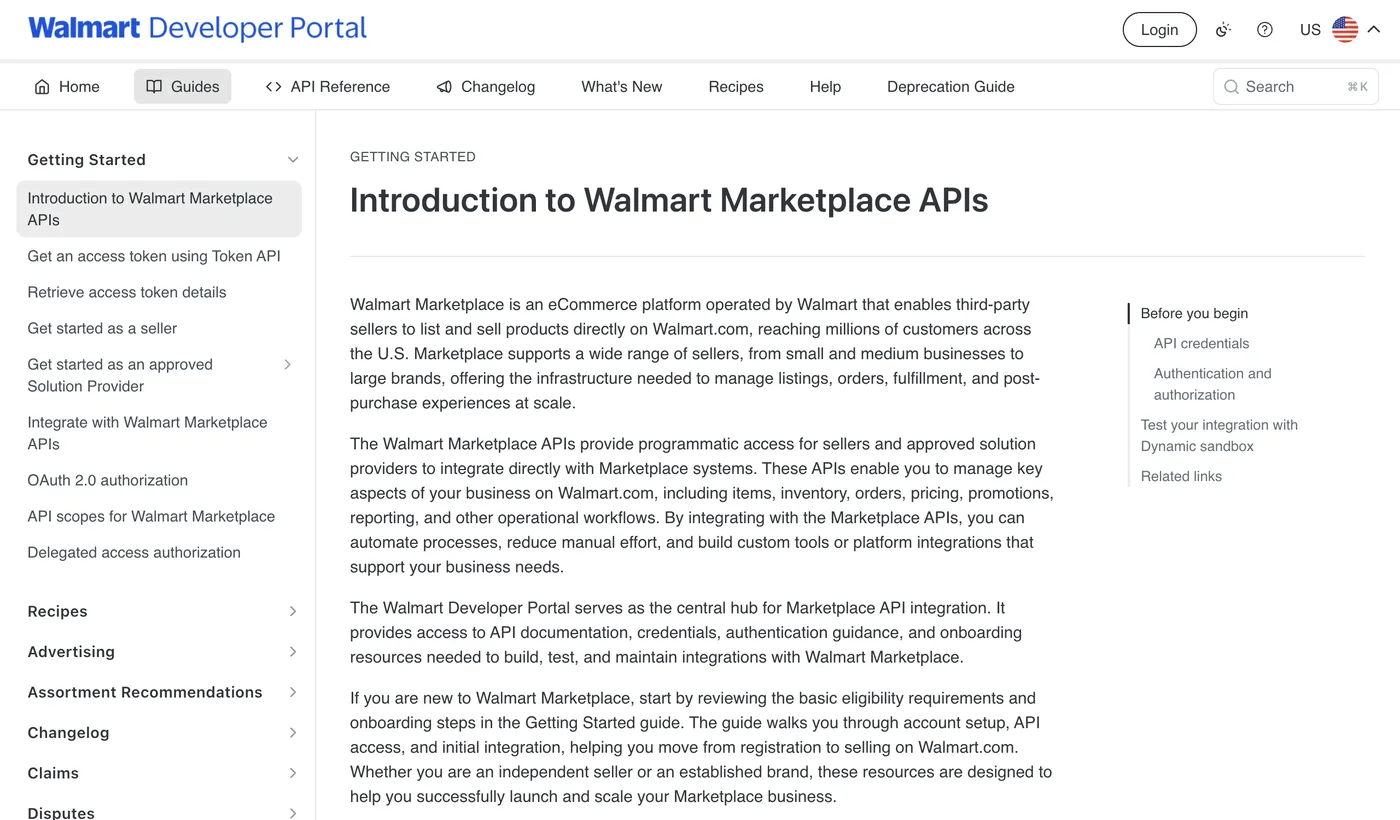
Are you a seller or a solution provider? Walmart distinguishes between a seller integrating their own account and an approved Solution Provider integrating on behalf of others. If you are building a product for many sellers, read the Solution Provider path — the onboarding is different, though the API calls are the same.
The Four Steps #
- Log in to the Developer Portal
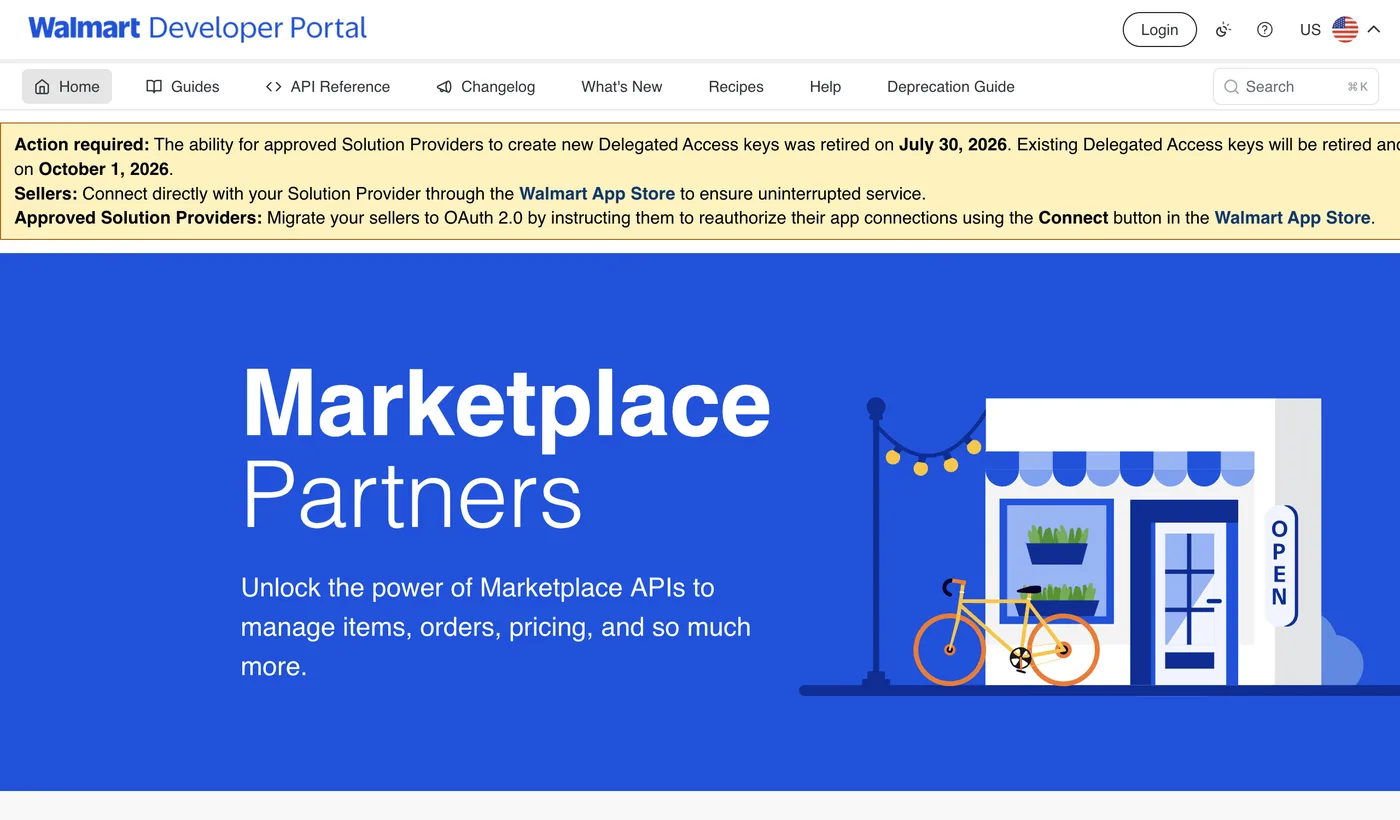
Sign in with the Walmart Marketplace seller account at the developer portal.
- Generate an API key
Under your account's API keys section, create a key. You get a Client ID and a Client Secret. The secret is shown once — copy it somewhere safe immediately.
- Exchange them for an access token
A single POST returns a token valid for roughly 15 minutes. There is no browser step and no user to redirect.
- Call the API with four required headers
This is where people trip. Walmart does not use the standard
Authorizationheader for the token. See below.
Getting a Token #
Walmart uses OAuth 2.0 client credentials — the simplest grant type there is. You are authenticating a machine, not a person, so there is no consent screen and nothing to redirect:
import base64, uuid, requests

basic = base64.b64encode(f"{CLIENT_ID}:{CLIENT_SECRET}".encode()).decode()

r = requests.post(
    "https://marketplace.walmartapis.com/v3/token",
    headers={
        "Authorization":          f"Basic {basic}",
        "WM_SVC.NAME":            "Walmart Marketplace",
        "WM_QOS.CORRELATION_ID":  str(uuid.uuid4()),
        "Accept":                 "application/json",
    },
    data={"grant_type": "client_credentials"},
    timeout=30,
)
token = r.json()["access_token"]      # good for ~900 seconds
There is no refresh token because there is nothing to refresh — when the token expires you just ask for another one with the same credentials.
Cache it. Minting a token on every single API call works, but it doubles your request count and will get you throttled. Store the token and its expiry, and only re-mint when you are within a minute or two of expiry.
The Four Headers on Every Call #
This is the single biggest difference from every other marketplace API, and the cause of most first-day failures.
| Header | Value | Why it matters |
|---|---|---|
WM_SEC.ACCESS_TOKEN | Your access token | Not Authorization: Bearer — Walmart uses its own header |
WM_QOS.CORRELATION_ID | A fresh UUID | Regenerate per request; reusing one causes odd behaviour |
WM_SVC.NAME | Walmart Marketplace | Constant, but required |
Accept | application/json | The API also speaks XML — omit this and you may get XML back |
If you are using an HTTP client that helpfully sets Authorization for you, that header is simply ignored here and your call fails as unauthenticated while looking perfectly correct. Details in Walmart's authentication documentation.
Ignore the signature-based examples you will find online. Walmart previously used a request-signing scheme with WM_SEC.AUTH_SIGNATURE and WM_CONSUMER.* headers. It is deprecated, but it is still all over old blog posts and Stack Overflow answers. If a tutorial has you generating signatures with a private key, it is out of date — use the token flow above.
How This Changes Your Database #
Worth thinking about before you write the schema, because retrofitting it is annoying.
With Amazon, Etsy and eBay, you register one application and store a token per seller. Your app credentials live in config. With Walmart, there is no shared app — each seller generates their own Client ID and Secret.
So a Walmart account row needs its own encrypted credential pair, not just a token. If you are building multi-marketplace, the cheap move is to allow both from the start: shared credentials in config, plus nullable per-account overrides. That one nullable column means Walmart fits the same model as everything else instead of needing a special case.
The upside of this design: nothing to re-authorise, ever. No consent screens expiring, no refresh tokens rotating the way Etsy's do, no seller needing to click Allow again when you add a feature. Once you hold a seller's key pair, it keeps working until they revoke it.
Integrating more than one marketplace? The auth models differ more than you would expect — a side-by-side of Amazon, Etsy, Walmart and eBay. Or get help building it.
FAQ #
How do I get Walmart Marketplace API access?
Log in to the Walmart Developer Portal with an approved Walmart Marketplace seller account, generate an API key to receive a Client ID and Client Secret, then exchange those for an access token using OAuth 2.0 client credentials. There is no app review or approval queue — keys work immediately.
Does Walmart's API need approval?
The API keys themselves do not require review — they work as soon as you generate them. What you do need is an approved Walmart Marketplace seller account, since API credentials are issued against a seller account.
Does the Walmart API have a refresh token?
No. It uses OAuth 2.0 client credentials, so you exchange your Client ID and Secret for a short-lived access token of roughly 15 minutes whenever you need one. There is nothing to rotate or persist beyond the credential pair itself.
Why is my Walmart API call unauthorised even with a valid token?
Almost always because the token is in the wrong header. Walmart expects it in WM_SEC.ACCESS_TOKEN, not the standard Authorization: Bearer header, and also requires WM_QOS.CORRELATION_ID and WM_SVC.NAME on every request.
Can one set of Walmart API credentials serve multiple sellers?
No. Unlike Amazon, Etsy and eBay, Walmart has no shared application model — each seller generates their own Client ID and Secret in their own portal account, so your database needs an encrypted credential pair per seller.
Is the Walmart signature authentication still used?
No. The older scheme using WM_SEC.AUTH_SIGNATURE and WM_CONSUMER.* headers is deprecated in favour of the token flow, though many older tutorials still show it.
Related guides
Marketplace APIs
Connect an eBay Seller Account over OAuth (Keyset, RuName, getOrders)
Wiring one eBay seller into a custom app end to end: the production keyset, why redirect_uri is the RuName string and not your callback URL, the read-only scopes, token exchange with Basic auth, the ~18-month non-rotating refresh token, and the first getOrders pull.
Read guide →Marketplace APIs
Amazon vs Etsy vs Walmart vs eBay: Four Marketplace APIs, Four Auth Models
If you're integrating more than one marketplace, the authentication layer is where your abstraction breaks first. All four use OAuth 2.0 on paper, and no two behave the same way in practice. Here's what actually differs — token lifetimes, rotation, credential ownership — and how those differences should shape your database schema.
Read guide →Marketplace APIs
No Marketplace Gives You a Real Buyer Phone Number (What to Do Instead)
Your carrier API rejects the shipment because the consignee phone is missing, and the order payload simply doesn't contain one. That's not a bug in your integration — Etsy and Walmart don't return a buyer phone at all, and Amazon's is a relay number. Here's what each marketplace actually gives you and how to satisfy the carrier without inventing data.
Read guide →Want one system across every channel?
Amazon, eBay, Etsy, Walmart, Shopify and the carriers: four auth models, one place for orders, labels and P&L. Tell me your channels and I'll reply within 12 hours with a plan and a fixed price.