The Short Answer #
You want Helium 10 keyword data — Cerebro reverse-ASIN, Magnet seed expansion — inside your own application. So you go looking for the API documentation, and you find nothing, because there isn't any.
In one line
Helium 10 has no general public REST API for Cerebro or Magnet. Its MCP server at https://mcp.helium10.com/mcp is the only programmatic route — and although it is marketed for use inside Claude and ChatGPT, it is a plain JSON-RPC service you can call directly from your own backend.
That last part is the bit almost nobody says out loud, and it is what this post is really about. Everyone assumes MCP means "put an AI in the loop". It doesn't have to.

What Helium 10 Actually Shipped #
In July 2026 Helium 10 released an MCP server. Their own framing is about using it inside AI tools — "Your Amazon Data in the AI Tools You Think In" — Claude, ChatGPT, Cursor, and anything else that speaks the protocol.
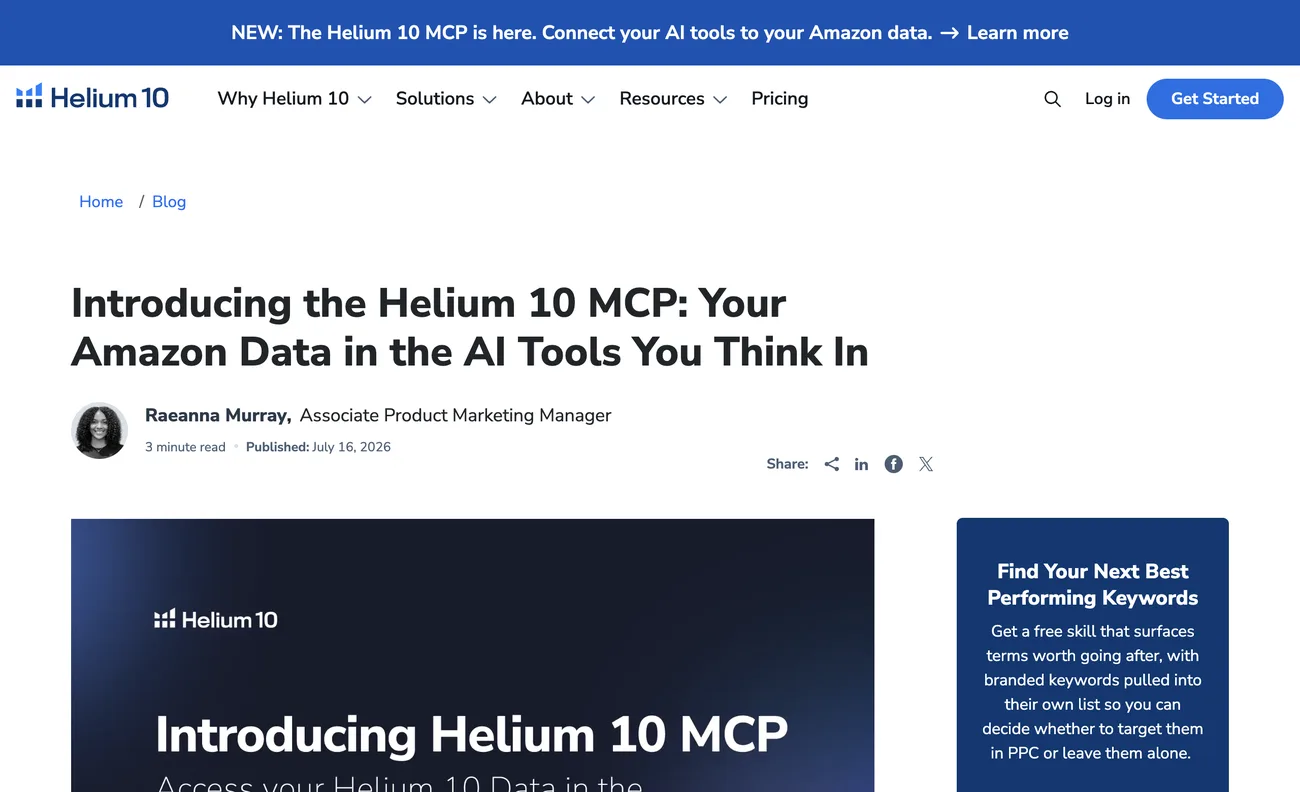
It is a read-only connection — it can answer questions about your account, but it cannot change listings, campaigns or settings. For a data-ingestion use case that is exactly what you want.
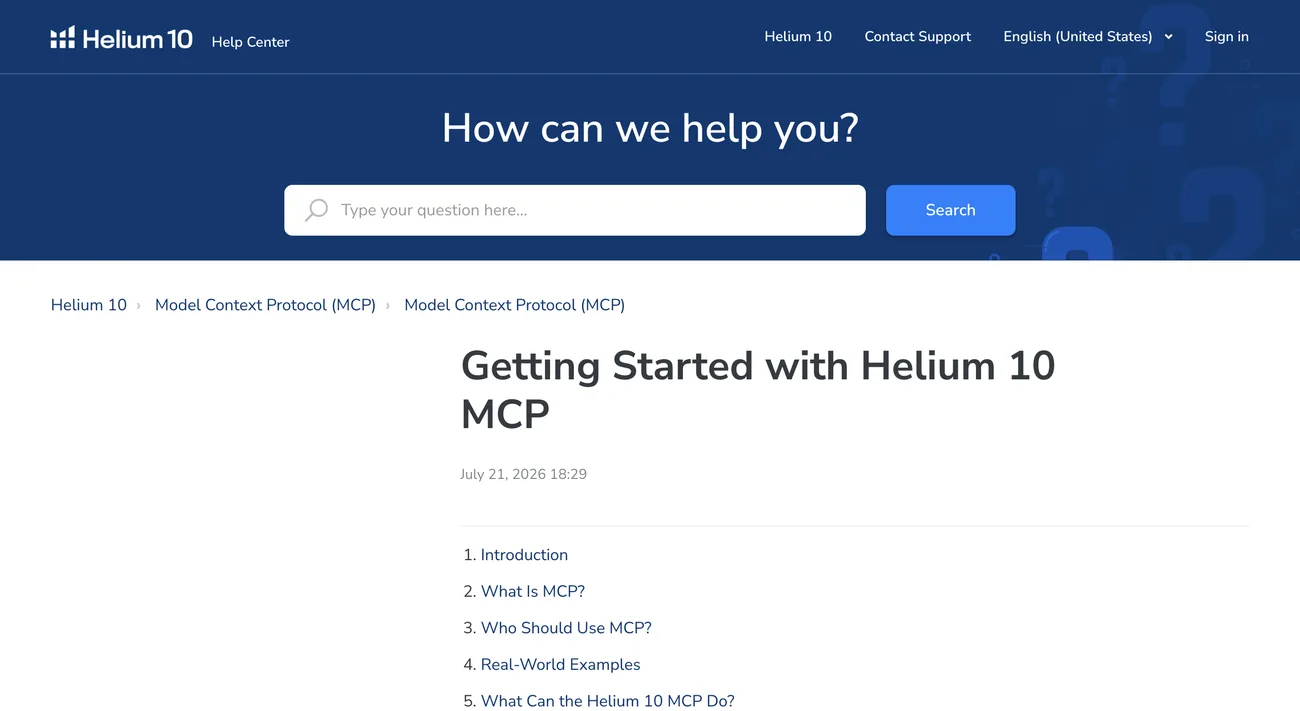
There is also a knowledge-base guide, which walks through connecting the AI clients but not through calling it yourself.
What MCP Is, In Plain Words #
Before the mechanics, the concept — because a lot of people bounce off MCP thinking it is an AI thing they need an AI to use.
The Model Context Protocol is a standard way for a program to publish a list of tools, and for another program to call them. A tool has a name, a description, and a JSON schema for its arguments. You ask the server what tools it has, you call one with arguments, you get JSON back.
That is it. It is a remote-procedure-call convention with a discovery step bolted on. Language models are the reason the standard exists — they need a uniform way to discover and call tools they were not hard-coded against — but nothing in the protocol requires one.
The practical consequence: if a vendor ships an MCP server and no REST API, you have not been given "an AI integration". You have been given an API with an unusual envelope. Read the tool list as an endpoint list.
The protocol itself is specified at modelcontextprotocol.io. The transport here is Streamable HTTP: you POST JSON-RPC to one URL.
Step 1: Discover the Endpoints (No Docs Required) #
You are not given a setup guide for the direct path, and you do not need one, because MCP servers advertise their own auth configuration through standard well-known URLs. This is the part that feels like magic the first time.
Start at the resource itself:
curl https://mcp.helium10.com/.well-known/oauth-protected-resource/mcpWhich returns, verified live at the time of writing:
{
  "resource": "https://mcp.helium10.com/mcp",
  "authorization_servers": [
    "https://h10api.pacvue.com/authhub/api/scenarios/mcp"
  ],
  "bearer_methods_supported": ["header"],
  "scopes_supported": ["mcp:tools"]
}
That tells you two things immediately: the scope you need is mcp:tools, and the authorisation server lives on a different host. Ask that host how to authenticate:
curl https://h10api.pacvue.com/authhub/api/scenarios/mcp/.well-known/oauth-authorization-server{
"issuer": "https://members.helium10.com/authhub/api/scenarios/mcp",
"authorization_endpoint": ".../oauth2/authorize",
"token_endpoint": ".../oauth2/token",
"registration_endpoint": ".../connect/register",
"code_challenge_methods_supported": ["S256"],
"grant_types_supported": [
"authorization_code", "client_credentials", "refresh_token",
"urn:ietf:params:oauth:grant-type:device_code",
"urn:ietf:params:oauth:grant-type:token-exchange"
],
"scopes_supported": ["mcp:tools"]
}Step 2: Register Your Client Automatically #
Notice registration_endpoint in that response. That is Dynamic Client Registration (RFC 7591), and it is the single biggest practical difference from every marketplace API you have integrated.
There is no application form, no review queue, no waiting for approval. You POST a small JSON document describing your client and you get a client_id back immediately.
import httpx

REGISTER = ("https://members.helium10.com/authhub/api/scenarios/mcp"
            "/connect/register")

resp = httpx.post(REGISTER, json={
    "client_name": "My Keyword Importer",
    "redirect_uris": ["https://example.com/helium10/callback"],
    "grant_types": ["authorization_code", "refresh_token"],
    "response_types": ["code"],
    "token_endpoint_auth_method": "none",   # public client + PKCE
}, headers={"User-Agent": BROWSER_UA}, timeout=30)

client_id = resp.json()["client_id"]
Compare that to Amazon SP-API, where a new role means an application, a review, and a re-authorisation for every connected seller. Here you are registered in one request.
Persist the client_id. Registering again on every process start creates a new client each time, which is untidy at best. Store it alongside your tokens and reuse it.
Step 3: Authorise with PKCE #
The metadata says code_challenge_methods_supported: ["S256"], so this is an authorization-code grant with PKCE — the same shape as Etsy's OAuth.
- Generate a verifier and challenge
A random string, and its SHA-256 hash base64url-encoded. Keep the verifier; send the challenge.
- Send the user to the authorize endpoint
With
client_id,redirect_uri,scope=mcp:tools,state,code_challengeandcode_challenge_method=S256. - Exchange the code for tokens
POST to the token endpoint with the code and the original verifier.
- Store both tokens encrypted, and refresh proactively
The access token is short — see below — so refresh slightly before expiry rather than reacting to a 401.
The metadata also advertises a device-code grant, which looks attractive for a headless backend. In practice the device-authorization endpoint redirected to the sign-in page rather than issuing a device code, so the authorization-code flow with PKCE is the path that actually works. If you are building a server-side integration, budget for one human browser visit at connect time.
Step 4: Token Lifetimes — Short, and That's Fine #
| Token | Lives for | What you do with it |
|---|---|---|
| Access token | About 15 minutes | Send as Authorization: Bearer; re-mint constantly |
| Refresh token | Long-lived | This is what actually keeps the connection alive — store it encrypted |
Fifteen minutes sounds aggressive until you realise the refresh token is doing the real work. Refresh roughly a minute before expiry, cache the access token in memory, and the short lifetime becomes invisible.
The failure mode to avoid is refreshing on every call. That doubles your request count for no benefit and, given the quota below, actively costs you.
Step 5: Speak MCP (Three Calls, That's All) #
Now the part people expect to be hard. The entire protocol surface you need is three JSON-RPC methods against one URL.
Update, October 2026: the MCP specification's current revision, 2026-07-28, drops the initialize handshake. Each request now declares its protocol version in its _meta field (and the MCP-Protocol-Version header over HTTP), and a client can call server/discover to see what a server supports. Servers built to revision 2025-11-25 or earlier still expect the handshake first, and the code below targets those servers, so it still works against them. Check which revision a server speaks before you drop the handshake.
POST https://mcp.helium10.com/mcp
Authorization: Bearer <access_token>
Content-Type: application/json
Accept: application/json, text/event-stream- initialize
A handshake. You state your protocol version and client name; the server replies with its own. Do this once per session.
- tools/list
Returns every tool with its name, description and JSON schema. This is your API reference — generated by the server, always current.
- tools/call
Name plus arguments. The result comes back as content blocks containing JSON.
payload = {
    "jsonrpc": "2.0",
    "id": 1,
    "method": "tools/call",
    "params": {
        "name": "get_keywords_by_asin",
        "arguments": {"asin": "B0EXAMPLE01", "marketplace": "US"},
    },
}
That is the whole client. A working implementation is well under 150 lines, and it needs no MCP SDK — it is JSON over HTTP.
Gotcha 1: The Response Is an SSE Frame, Not JSON #
This one stops people immediately, because the request succeeds and the parse fails.
Even for a single reply, the server answers with a server-sent-events stream rather than a plain JSON body. What comes back looks like this:
event: message
data: {"jsonrpc":"2.0","id":1,"result":{...}}
Call response.json() on that and you get a decode error. You have to pull the data: line out first:
def parse_mcp(body: str) -> dict:
    # Streamable HTTP returns SSE frames even for a single response
    for line in body.splitlines():
        if line.startswith("data:"):
            return json.loads(line[5:].strip())
    raise ValueError(f"no data frame in MCP response: {body[:200]!r}")
Send Accept: application/json, text/event-stream so the server knows you can handle either, and always parse defensively.
Gotcha 2: Cloudflare Error 1010 Looks Exactly Like an Auth Failure #
This one cost real hours, and the reason is that the symptom points somewhere else entirely.
These hosts sit behind Cloudflare, and Cloudflare can reject a request based on the client's user agent before it ever reaches the application. What you get back is:
HTTP 403
error code: 1010
A 403 during an OAuth flow reads as "my credentials are wrong". So you regenerate the client, re-run the consent, check the scope, check the PKCE verifier — and none of it helps, because the request never got as far as authentication.
Error 1010 specifically means Cloudflare rejected the browser signature — usually a default library user-agent like python-requests/2.31.0. Set a browser-like User-Agent on every request to these hosts and it goes away. If you ever see a bare error code: NNNN with no JSON structure, that is Cloudflare talking, not the API.
Worth noting for accuracy: re-testing the discovery endpoints in August 2026, a default user-agent was not blocked. This protection appears to vary by endpoint and over time — which is exactly why it is worth setting a sane user-agent defensively rather than discovering the rule empirically at 2am.
What Tools You Actually Get #
The server exposes roughly three dozen tools. For keyword work, these are the ones that matter:
| Tool | Equivalent in the UI | What it gives you |
|---|---|---|
get_keywords_by_asin | Cerebro | Reverse-ASIN: every keyword a listing ranks for |
get_keywords_by_keyword | Magnet | Seed expansion from a starting phrase |
analyze_keywords | — | Batch enrich a list (1–200 phrases) |
search_amazon_keywords | Black Box | Keyword discovery by filters |
search_amazon_brand_analytics | ABA | Brand Analytics search terms |
compare_asin_keywords | — | Keyword gap between ASINs |
get_mcp_usage_info | — | Your remaining call quota |
A Cerebro row comes back with phrase, search_volume, organic_rank, competing_products, title_density, cpr, iq_score, keyword_sales_weekly and match_type.
Beyond keywords there are tools for account and product profitability, FBA inventory health, sales velocity, listing quality scoring and advertising data — which makes the same connection useful well past a keyword importer.
The Quota: 1000 Calls, So Cache #
get_mcp_usage_info reports your allowance, and it is 1000 tool calls per period. That is generous for interactive use and tight for anything that loops.
Three habits that keep you inside it:
- Cache aggressively. Keyword data for an ASIN does not change minute to minute. Store the pull with a timestamp and re-use it.
- Preview before you import. Let the operator see what a pull would return and confirm, rather than firing a call per adjustment.
- Surface the remaining quota in your UI. If a number is invisible, someone will burn it.
The Real Catch: Cerebro Data Is Noisy #
Everything above is plumbing. This is the part that determines whether the data is actually usable, and it is the thing the UI was quietly doing for you.
Raw reverse-ASIN output contains a lot of keywords the product merely surfaced for once. Pulling for one niche home-goods ASIN, the highest-search-volume results included "scissors" at 307,831 and "toothbrush sanitizer" at 14,101. The product has nothing to do with either.
In the web UI a relevancy column filters this out. The MCP response has no relevancy field at all. So you have to derive one, and the derivation that worked is deliberately simple:
- Require a theme word, matched by prefix
Keep a phrase only if it contains one of the theme's own words as a word prefix.
- Weight what survives by how well it ranks
Use
organic_rankandtitle_densityto score each phrase, so terms the product genuinely ranks for outweigh incidental ones.
Prefix, not substring — and that distinction matters more than it looks. If your theme word is pot, a naive substring test also accepts depot, spot and teapot. A word-prefix test keeps pots and potting and rejects the rest. It also, usefully, keeps foreign-language plurals that are real demand in the US market, which a strict equality test would drop.
Two hundred and nine phrases in, eighty-four out, and nothing obviously wrong left in the set. Whatever you build on top of this data, budget for a relevance step — it is not optional, and no amount of sorting by search volume substitutes for it.
A Bug This Will Probably Cause You Too #
Worth flagging because it is silent and it comes from mixing two data sources.
If you already have keyword data from CSV exports and you start pulling the same themes over MCP, watch your grouping key's case sensitivity. A CSV that created a theme called "Bamboo cutting board" and an MCP pull that created "Bamboo Cutting Board" give you two separate groups for one theme — and anything that samples from a theme then silently sees half its keywords.
Nothing errors. The output just gets quietly worse. Canonicalise the key at the application layer, and be aware that a database unique constraint on the raw string will not save you, because to Postgres those two strings genuinely are different.
Should You Put an LLM In the Middle? #
Given the framing of MCP, the obvious architecture is: run Claude on your backend, let it talk to the MCP server, and have it fetch the keywords.
For a data pull, don't. You are fetching structured data by a known tool name with known arguments. Calling the tool directly is deterministic, instant and free. Routing it through a model makes it slower, non-deterministic, and billed per pull — to accomplish exactly the same call.
Where a model genuinely earns its place is the step after: turning those keywords into listing copy, or answering an open-ended question where the sequence of tool calls is not known in advance. Both are real. Neither is "get the keywords for this ASIN".
The general rule: if you know which tool to call and with what arguments, call it. A model is for deciding which call to make, not for making a call you had already decided on. More on that in calling an MCP server without an LLM.
FAQ #
Does Helium 10 have a public API?
Not a general REST API for Cerebro or Magnet. Since July 2026 it offers an MCP server at https://mcp.helium10.com/mcp, which is the only programmatic route to that data. It is read-only.
Can I use the Helium 10 MCP server without Claude or ChatGPT?
Yes. MCP is a JSON-RPC protocol, not an AI product. You can register a client, complete an OAuth flow, and call tools/call directly from your own backend with no language model involved.
Do I need to apply for Helium 10 API access?
No. The authorisation server supports Dynamic Client Registration (RFC 7591), so a POST to its registration_endpoint returns a client_id immediately — no application form or review queue.
What does Cloudflare error 1010 mean when calling Helium 10?
It means Cloudflare rejected the request based on the client's user agent, before it reached the application. It presents as HTTP 403 during an OAuth flow, which looks like an authentication problem but is not. Send a browser-like User-Agent header.
Why does parsing the MCP response fail?
Because the Streamable HTTP transport returns server-sent-event frames rather than a plain JSON body, even for a single response. Extract the data: line and parse that, and send Accept: application/json, text/event-stream.
How many Helium 10 MCP calls do I get?
Roughly 1000 tool calls per period, reported by the get_mcp_usage_info tool. Cache results rather than re-pulling, and surface the remaining quota in your interface.
Why is Cerebro data from the MCP server so noisy?
Because the relevancy filtering that the web UI applies is not present in the API response — there is no relevancy field. A reverse-ASIN pull will include high-volume keywords the product merely surfaced for once, so you need to derive your own relevance filter, ideally a word-prefix match on the product's theme words plus rank-based weighting.
Related guides
Claude & MCP
You Can Call an MCP Server Without an LLM (It's Just JSON-RPC)
MCP is marketed as the way to give AI assistants access to your tools, so most people assume you need a model to use one. You don't. An MCP server is a JSON-RPC service with a discovery endpoint, and calling it directly is faster, deterministic and free. Here's when to skip the model entirely, when not to, and the whole client in about forty lines.
Read guide →Claude & MCP
Writing Amazon Listing Copy From Product Photos with Claude Vision
Most AI listing tools start from a title and a few keywords, which means they describe a product nobody has looked at. Sending the actual product photographs to a vision model changes the output — it can see the material, the finish, the scale and what's in the shot. Here's the pipeline, the compliance gate that has to sit after it, and the parts that still need a human.
Read guide →Claude & MCP
Connect Claude to Amazon Ads and Seller Central (MCP Setup)
Amazon runs two MCP servers — one for Ads, one for the Selling Partner API — that let Claude query your accounts directly. The built-in connector flow fails with '400 Bad Request: An unknown scope was requested'. Here are the setup steps that work, then why the connector is broken and what the connection costs you in context.
Read guide →Running PPC across several accounts?
I built a dayparting control room that runs hourly across a PPC manager's client accounts: rules, dry runs, approvals and an audit log. Tell me what your tooling can't do and I'll quote the build at a fixed price.