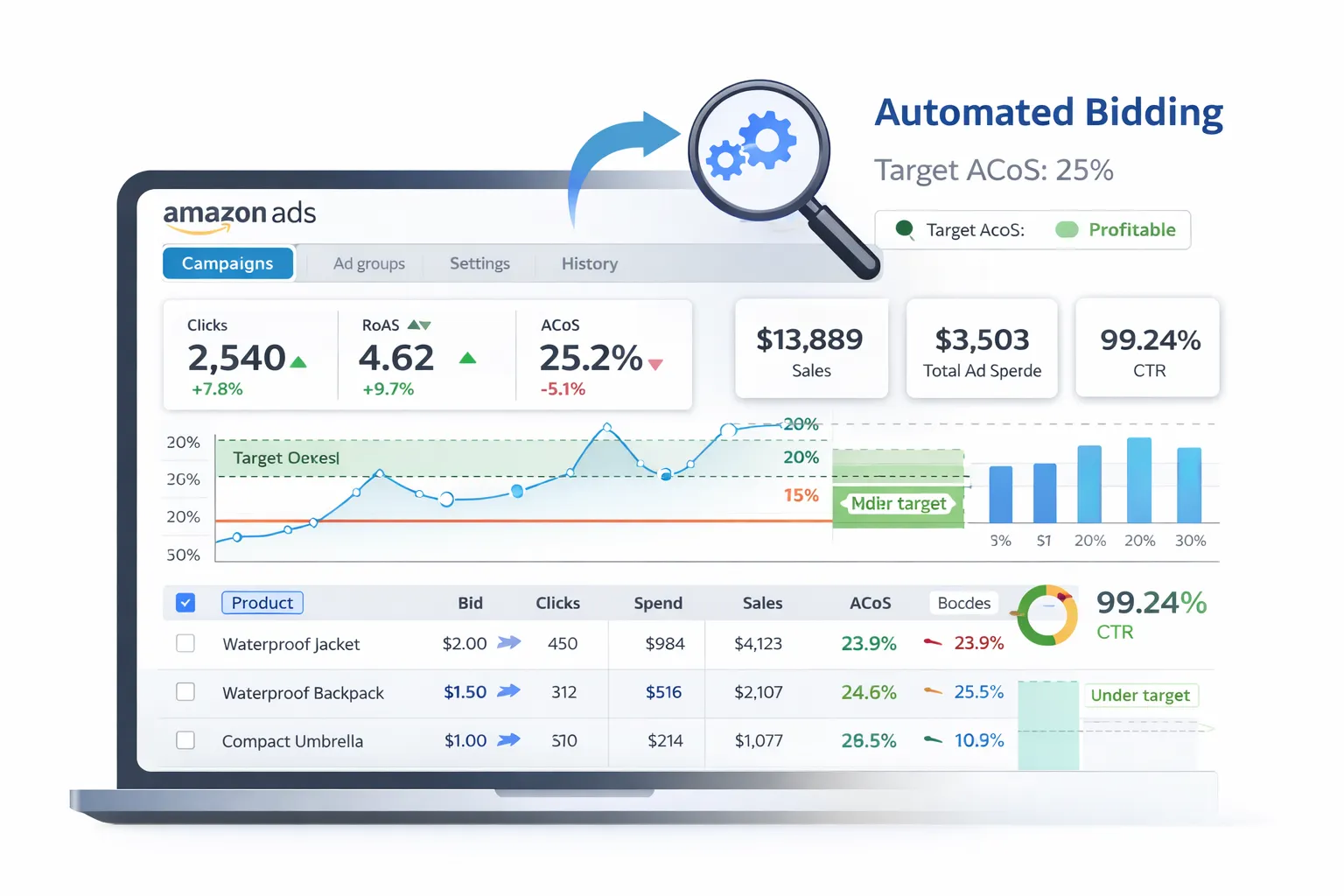
What is Amazon Marketing Stream (AMS)? #
Amazon Marketing Stream (AMS) is a push-based data stream that delivers advertising metrics in near real-time (hourly or more frequent).
Unlike traditional reporting APIs (which you pull), AMS pushes data to your AWS infrastructure, enabling:
- Hourly conversion tracking
- Near real-time performance monitoring
- Fast reactions to campaign changes
Use case: Monitor conversion rates hourly and automatically adjust bids to maximize ROAS (Return on Ad Spend) without manual intervention.
Architecture Overview #
Here's the automated bidding pipeline:
- Amazon Marketing Stream (AMS) → Pushes conversion data to AWS
- AWS Kinesis Data Stream → Receives the data
- AWS Lambda or Kinesis Firehose → Processes and forwards data
- BigQuery Data Transfer → Stores structured data in BigQuery
- Python script (scheduled hourly) → Analyzes performance + calculates bid adjustments
- Amazon Ads API → Pushes bid updates back to campaigns
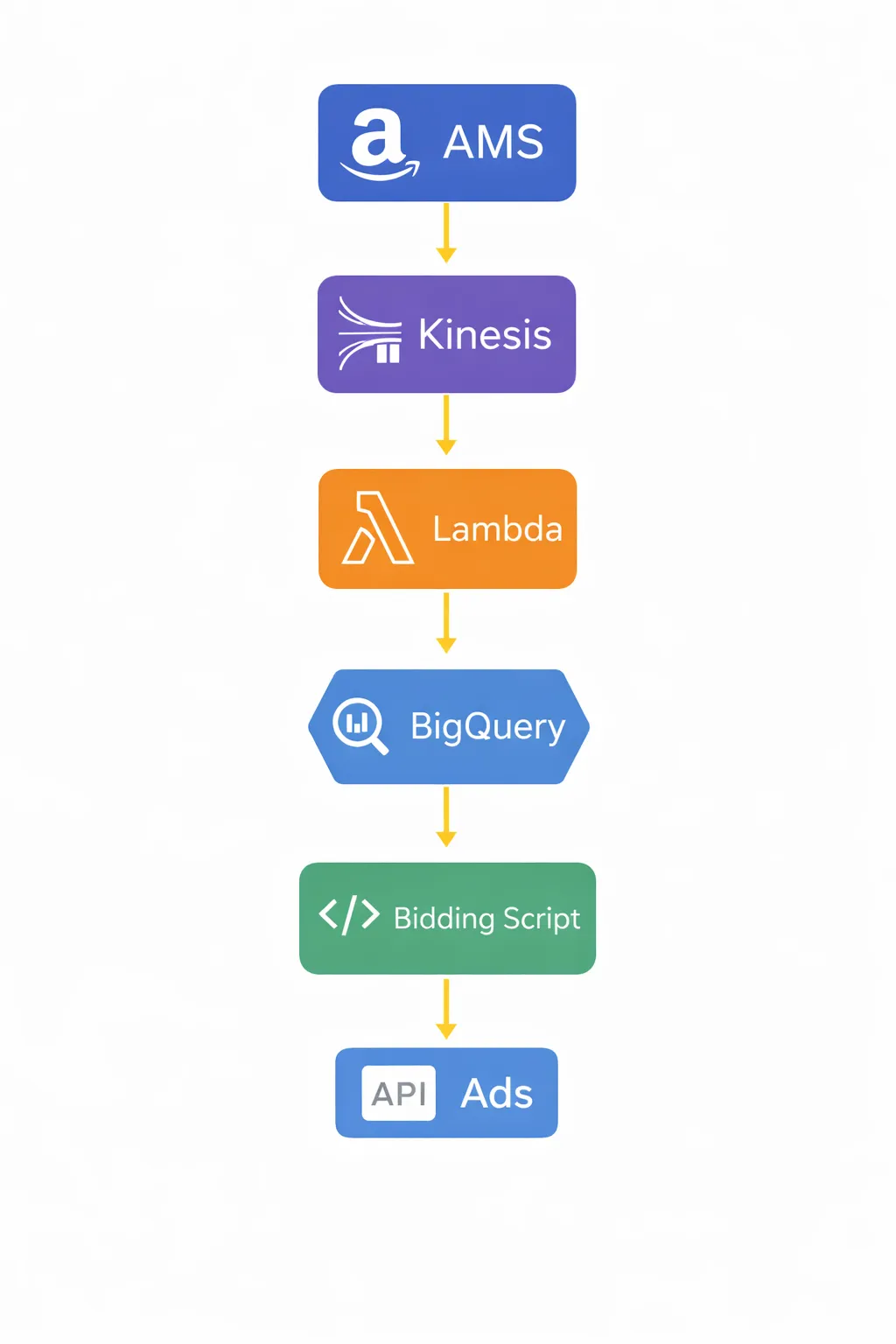
Why this setup? AMS only works on AWS, but you can forward data to BigQuery (GCP) for unified analytics. Bidding logic can run on either AWS Lambda or GCP Cloud Functions.
Step 1: Subscribe to Amazon Marketing Stream #
First, you need to subscribe to AMS and configure it to push data to your AWS account.
Update, October 2026: an earlier version of this step showed an /ams/streams endpoint and a Kinesis destination. Neither is in Amazon's Marketing Stream API, in V1 or V2. Your existing Ads API credentials are all Marketing Stream needs. On V1, deprecated and shut off on 30 June 2027, you subscribe with POST /streams/subscriptions to a Firehose or SQS destination: the V1 Firehose setup. On V2 you subscribe with POST /adsApi/v1/create/streamSubscriptions to an S3 bucket plus an SQS queue: what changes in V2.
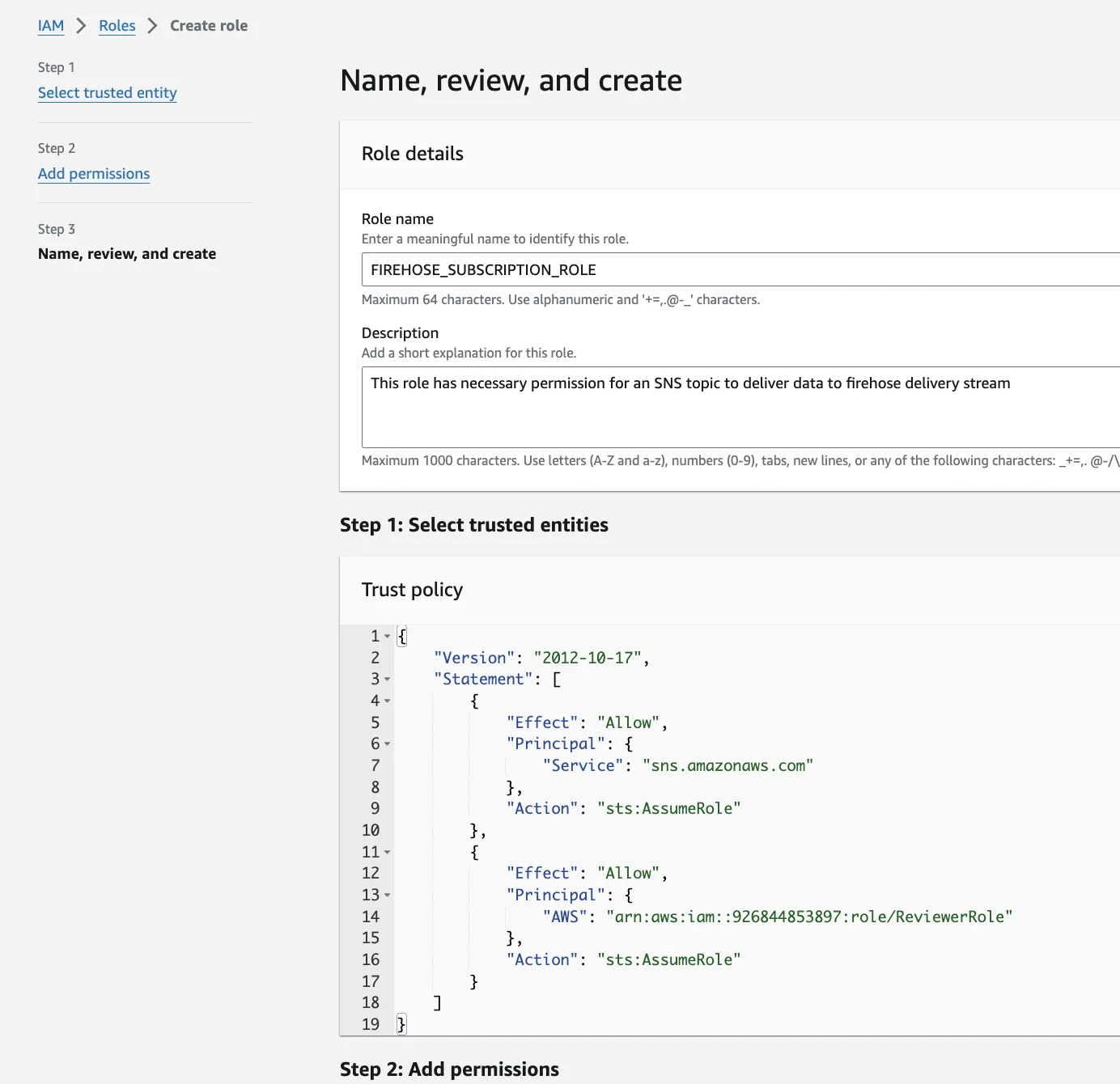
Step 2: Set Up AWS Infrastructure #
You need several AWS components to receive and process AMS data:
1. Kinesis Data Stream
- Receives data from AMS
- Acts as a buffer for real-time processing
2. Lambda Function or Kinesis Firehose
Option A: Lambda Function
- Processes each AMS record as it arrives
- Parses JSON, transforms data, sends to BigQuery
- Good for complex logic or enrichment
Option B: Kinesis Firehose
- Automatically batches and delivers data
- Simpler setup, less code
- Can write to S3, then use BigQuery Data Transfer
Recommended: Use Kinesis Firehose to S3, then BigQuery Data Transfer for simplicity. Use Lambda only if you need custom transformations.
Step 3: Transfer Data to BigQuery #
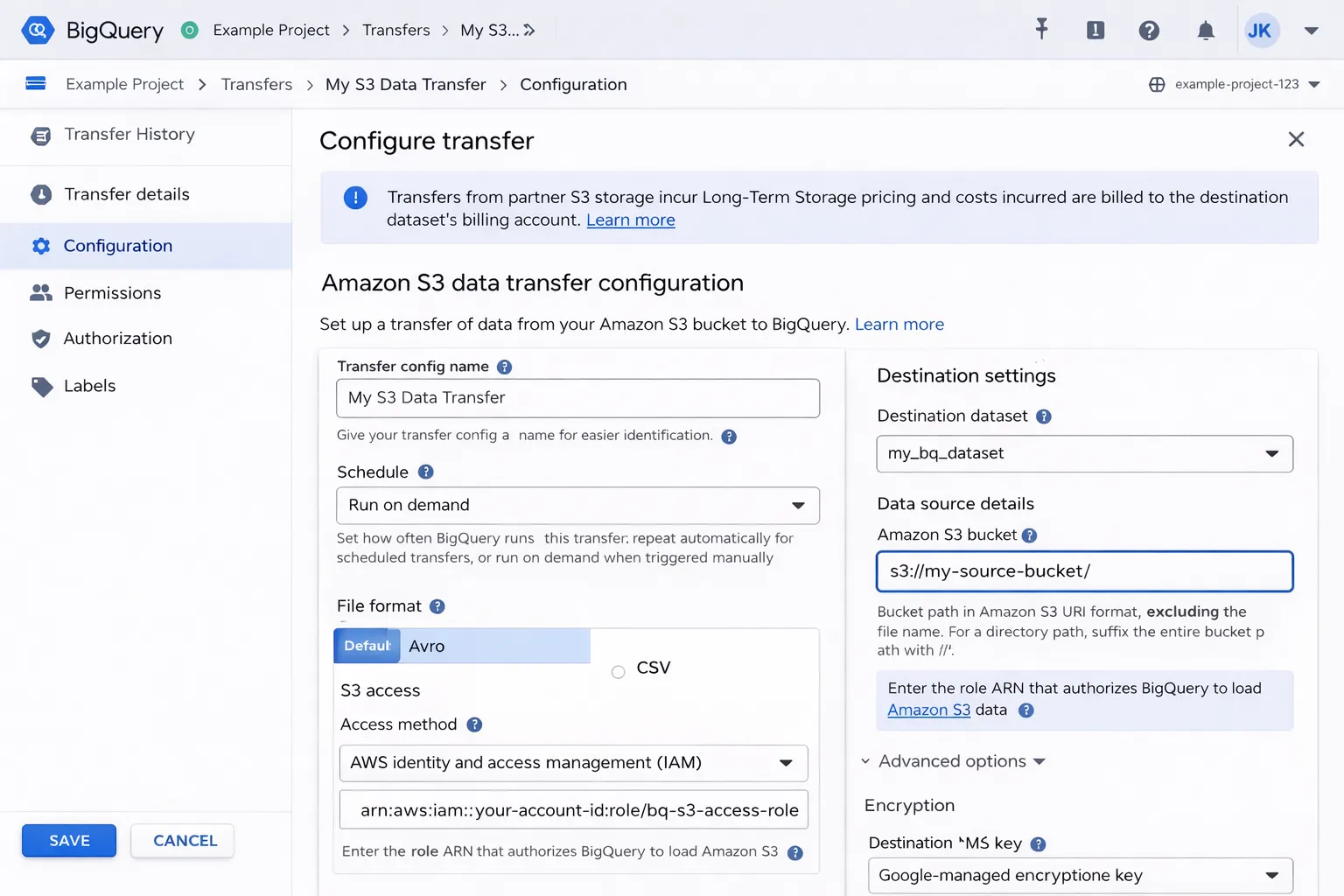
To get AMS data from AWS to BigQuery, use BigQuery Data Transfer Service:
- Kinesis Firehose writes AMS data to an S3 bucket (JSON or Parquet)
- Set up a BigQuery Data Transfer from S3
- Schedule the transfer to run hourly
Alternative: Direct insertion via Lambda
import json
from google.cloud import bigquery

def lambda_handler(event, context):
    client = bigquery.Client()
    table_id = "project.ams_data.conversions"

    rows = []
    for record in event['Records']:
        data = json.loads(record['kinesis']['data'])
        rows.append({
            "campaign_id": data['campaignId'],
            "conversions": data['conversions14d'],
            "spend": data['cost'],
            "timestamp": data['timestamp']
        })

    errors = client.insert_rows_json(table_id, rows)
    if errors:
        print(f"Errors: {errors}")
Step 4: Create BigQuery Tables #
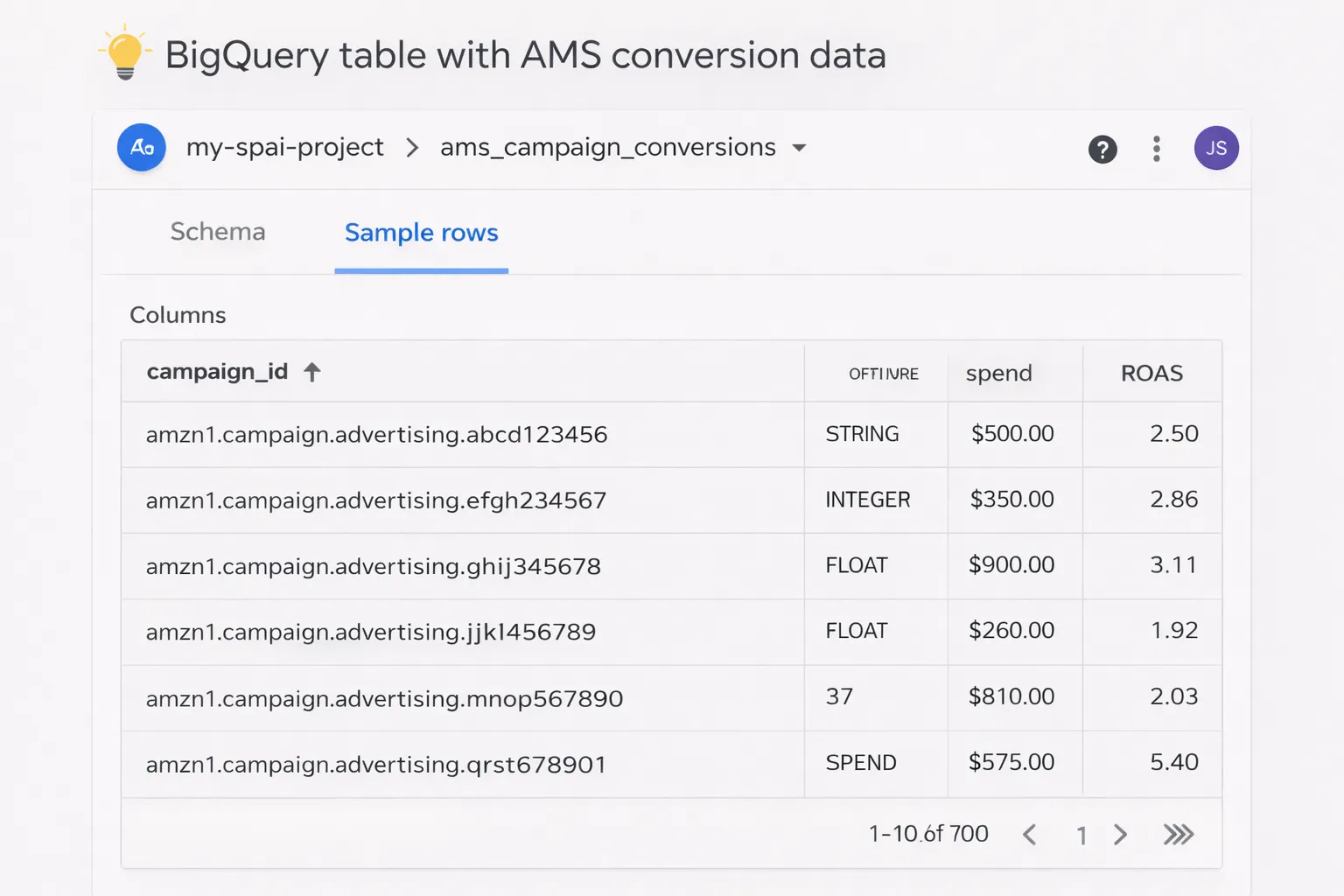
Design your BigQuery schema to store AMS conversion data:
-- AMS conversions table
CREATE TABLE `project.ams_data.conversions` (
  campaign_id STRING,
  ad_group_id STRING,
  keyword_id STRING,
  impressions INT64,
  clicks INT64,
  conversions INT64,
  spend FLOAT64,
  sales FLOAT64,
  timestamp TIMESTAMP,
  inserted_at TIMESTAMP DEFAULT CURRENT_TIMESTAMP()
)
PARTITION BY DATE(timestamp)
CLUSTER BY campaign_id;
Pro tip: Use clustering on campaign_id for faster queries when analyzing specific campaigns.
Step 5: Write Bidding Logic (Performance Analysis) #
Now create a Python script that:
- Queries BigQuery for recent conversion data (last hour or day)
- Calculates performance metrics (ROAS, CPA, conversion rate)
- Determines bid adjustments based on rules
Sample bidding logic:
from google.cloud import bigquery

def calculate_bid_adjustments():
    client = bigquery.Client()

    # Query last hour's performance
    query = '''
        SELECT
            campaign_id,
            SUM(conversions) as conversions,
            SUM(spend) as spend,
            SUM(sales) as sales,
            SUM(sales) / NULLIF(SUM(spend), 0) as roas
        FROM `project.ams_data.conversions`
        WHERE timestamp >= TIMESTAMP_SUB(CURRENT_TIMESTAMP(), INTERVAL 1 HOUR)
        GROUP BY campaign_id
    '''

    results = client.query(query).to_dataframe()

    adjustments = []
    for _, row in results.iterrows():
        campaign_id = row['campaign_id']
        roas = row['roas']

        # Bidding rules
        if roas > 3.0:  # High ROAS → increase bids
            adjustment = 1.15  # +15%
        elif roas < 1.5:  # Low ROAS → decrease bids
            adjustment = 0.85  # -15%
        else:
            adjustment = 1.0  # No change

        adjustments.append({
            'campaign_id': campaign_id,
            'bid_adjustment': adjustment
        })

    return adjustments
Important: Add guardrails to prevent extreme bid changes. Cap adjustments (e.g., max ±20% per hour) and set minimum bid thresholds.
Step 6: Push Bid Updates via Amazon Ads API #
Use the Amazon Ads API to update campaign bids programmatically:
import requests

def update_campaign_bids(adjustments, access_token, profile_id):
    url = "https://advertising-api.amazon.com/v2/sp/campaigns"
    headers = {
        "Authorization": f"Bearer {access_token}",
        "Amazon-Advertising-API-ClientId": "your-client-id",
        "Amazon-Advertising-API-Scope": profile_id,
        "Content-Type": "application/json"
    }

    for adj in adjustments:
        campaign_id = adj['campaign_id']
        new_bid = calculate_new_bid(campaign_id, adj['bid_adjustment'])

        # Update campaign budget
        payload = {
            "campaignId": campaign_id,
            "dailyBudget": new_bid
        }

        response = requests.put(
            f"{url}/{campaign_id}",
            headers=headers,
            json=payload
        )

        if response.status_code == 200:
            print(f"Updated campaign {campaign_id} to ${new_bid}")
        else:
            print(f"Failed: {response.text}")
Pro tip: Log all bid changes to a BigQuery audit table for accountability and analysis.
Step 7: Schedule Hourly Execution #
Deploy your bidding script to run hourly:
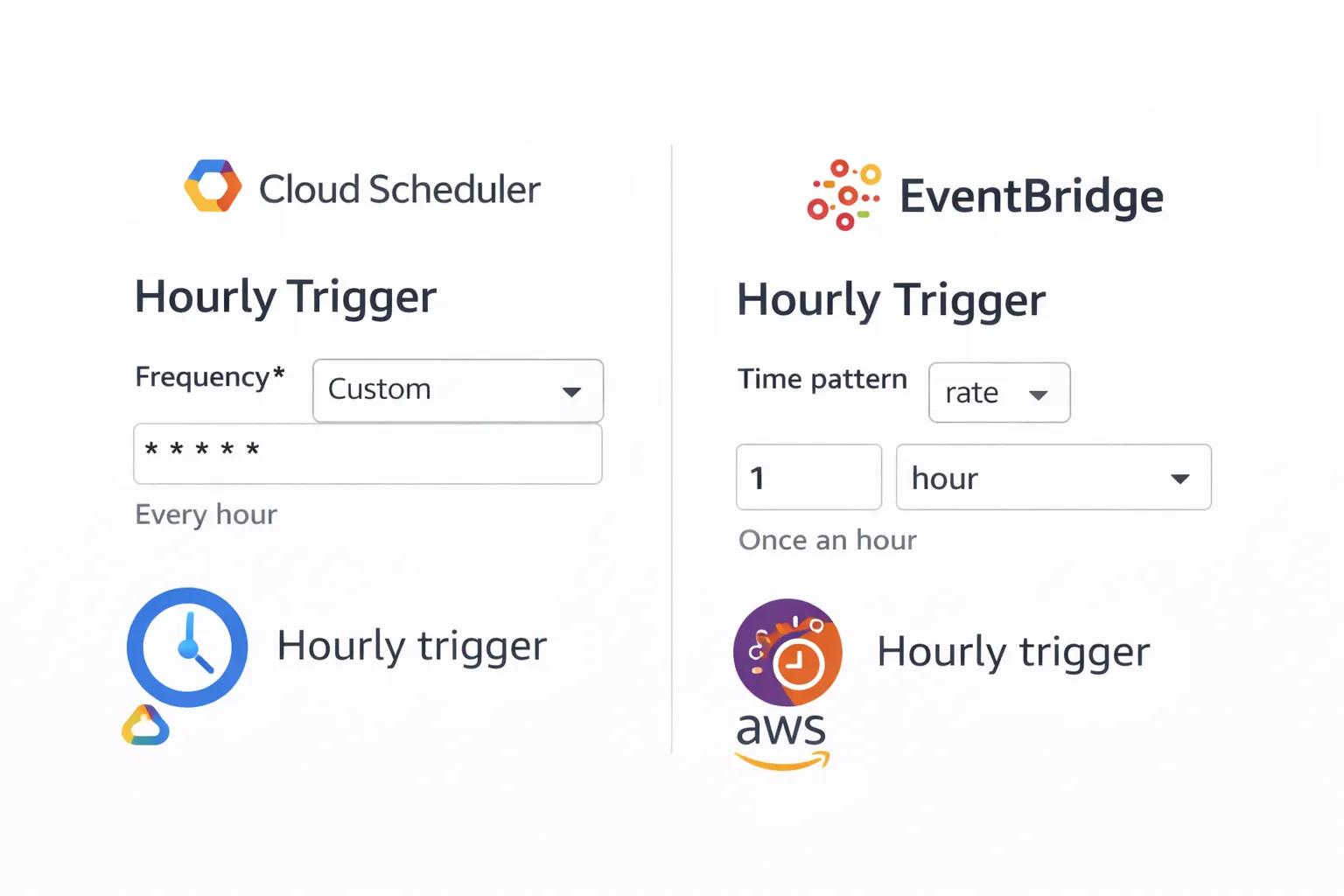
Option 1: GCP Cloud Scheduler + Cloud Functions
# Cloud Scheduler cron (every hour)
0 * * * *
Option 2: AWS EventBridge + Lambda
- Create an EventBridge rule with
rate(1 hour) - Trigger a Lambda function that runs your bidding logic
Adding Safety Guardrails #
Automated bidding can go wrong. Add these safeguards:
1. Bid Caps
def apply_guardrails(new_bid, old_bid, min_bid=0.50, max_bid=10.0):
    # Max change per hour: ±20%
    max_increase = old_bid * 1.20
    max_decrease = old_bid * 0.80

    new_bid = max(min(new_bid, max_increase), max_decrease)

    # Absolute min/max
    new_bid = max(min(new_bid, max_bid), min_bid)

    return new_bid
2. Manual Override
- Store "manual override" flags in BigQuery
- Skip automated adjustments for campaigns with overrides active
3. Dry-Run Mode
DRY_RUN = True  # Set to False when ready

if DRY_RUN:
    print(f"[DRY RUN] Would update campaign {campaign_id} to ${new_bid}")
else:
    update_campaign_bids(adjustments, access_token, profile_id)
4. Alerting
- Send Slack/email alerts when bids change by > 30%
- Alert on API errors or failed updates
- Daily summary reports of all bid changes
Monitoring and Optimization #
Track the performance of your automated bidding system:
Key Metrics to Monitor
- ROAS improvement: Compare pre/post automation
- Bid stability: Ensure bids don't oscillate wildly
- API success rate: Track failed bid updates
- Cost per conversion: Should trend downward
Build a Dashboard
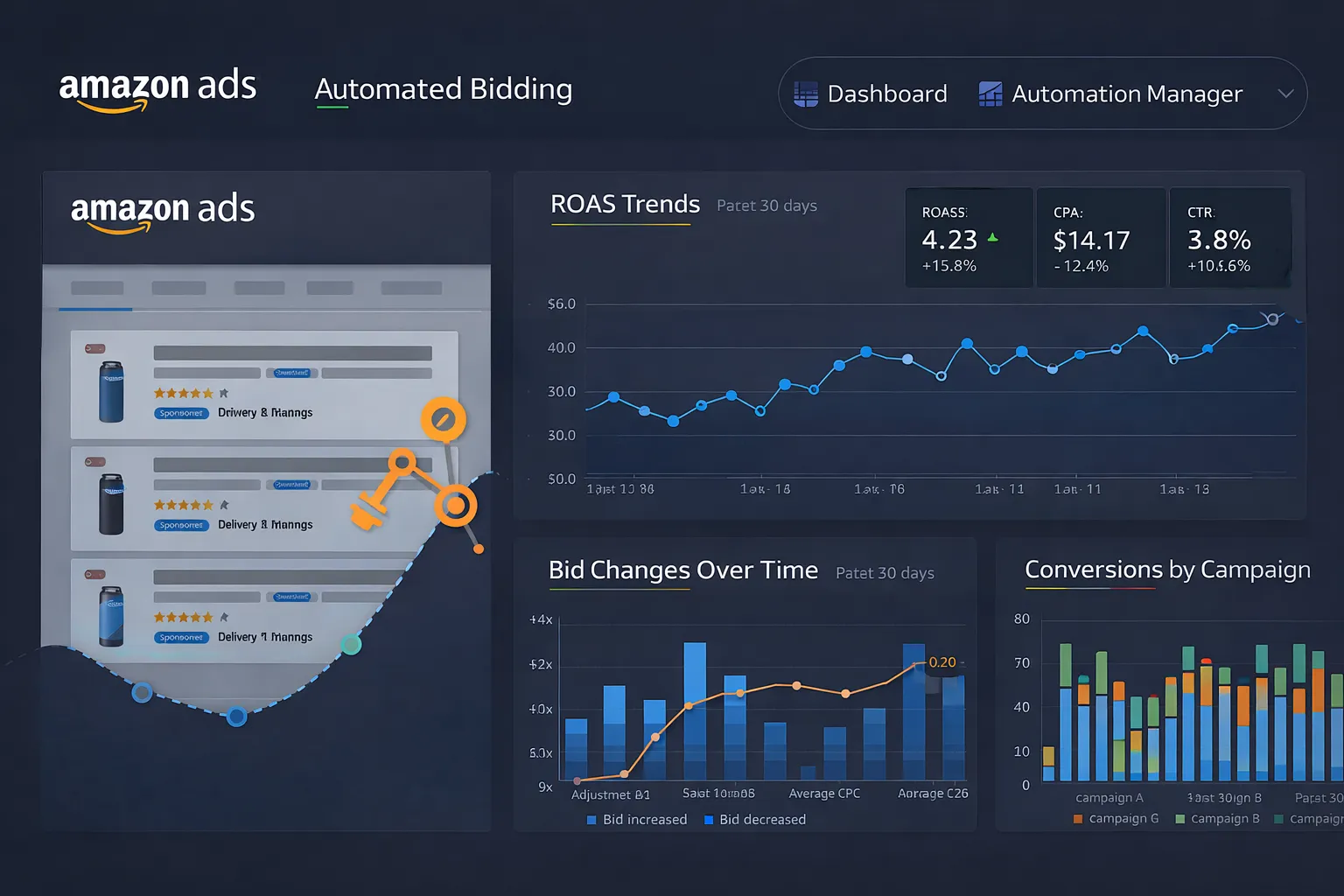
Visualize in Looker Studio or custom dashboard:
- Hourly ROAS by campaign
- Bid change timeline
- Spend vs. conversions correlation
- Automated vs. manual performance comparison
Cost and ROI Considerations #
Infrastructure Costs
- AWS Kinesis: ~$15-30/month (hourly data stream)
- Lambda/Firehose: ~$5-15/month
- BigQuery: ~$20-50/month (storage + queries)
- GCP Scheduler/Functions: Mostly free tier
Total estimated cost: $40-100/month
Expected ROI
- 5-15% ROAS improvement from faster bid adjustments
- Eliminates manual bid management (saves hours/week)
- Scales across hundreds of campaigns without added effort
Breakeven: If you spend $10k+/month on ads, a 5% efficiency gain ($500) pays for the infrastructure 5x over.
For comparison, SaaS tools that re-bid hourly on the same stream include Teikametrics, at $149 a month up to $10k of spend and a custom base plus 3% of spend above that, and atom11, at a flat $499 up to $50k. The comparison of 22 Amazon PPC tools has every price, checked October 2026.
What You Can Build Next #
Extend your automated bidding system:
- Keyword-level bidding: Adjust bids per keyword, not just campaigns
- Seasonal rules: Apply different strategies during high-traffic periods
- Competitor tracking: Integrate external data (e.g., Keepa) to adjust bids based on competitor pricing
- ML-based optimization: Use historical data to train models for smarter bid predictions
- Multi-marketplace: Sync bidding logic across US, EU, and other regions
Related guides
Amazon Ads API
Amazon Ads API Rate Limits Explained (And How to Stop Hitting Them)
A 429 storm from the Amazon Ads API almost always means your retry logic is wrong, not that your limits are too low. Here's how the per-endpoint token buckets actually work, what the response headers tell you, and the request patterns that keep you comfortably under the limit.
Read guide →Amazon Ads API
Custom PPC Automation vs Pacvue & Perpetua: an Honest Comparison
I build custom Amazon PPC automation for a living and I still tell most people to buy the SaaS. Here's a straight comparison of custom builds versus tools like Pacvue and Perpetua — what each does better, the real cost math, and how to tell which side of the line you're actually on.
Read guide →Amazon Ads API
AMS vs AMC: Which Amazon Ad Data Tool to Use, and When
Amazon Marketing Stream and Amazon Marketing Cloud both start with “Amazon Marketing” and both deal with ad data — so they get mixed up constantly. They actually solve opposite problems. One pushes you hourly data for real-time action; the other runs SQL over years of history for attribution. Here's the difference, side by side, and how to pick.
Read guide →Running PPC across several accounts?
I built a dayparting control room that runs hourly across a PPC manager's client accounts: rules, dry runs, approvals and an audit log. Tell me what your tooling can't do and I'll quote the build at a fixed price.